
Explosive Monday
A lewd 2D platformer with rocket jump, a giantess, and a giant cat. Use this page as a structured overview — details live on each section page.
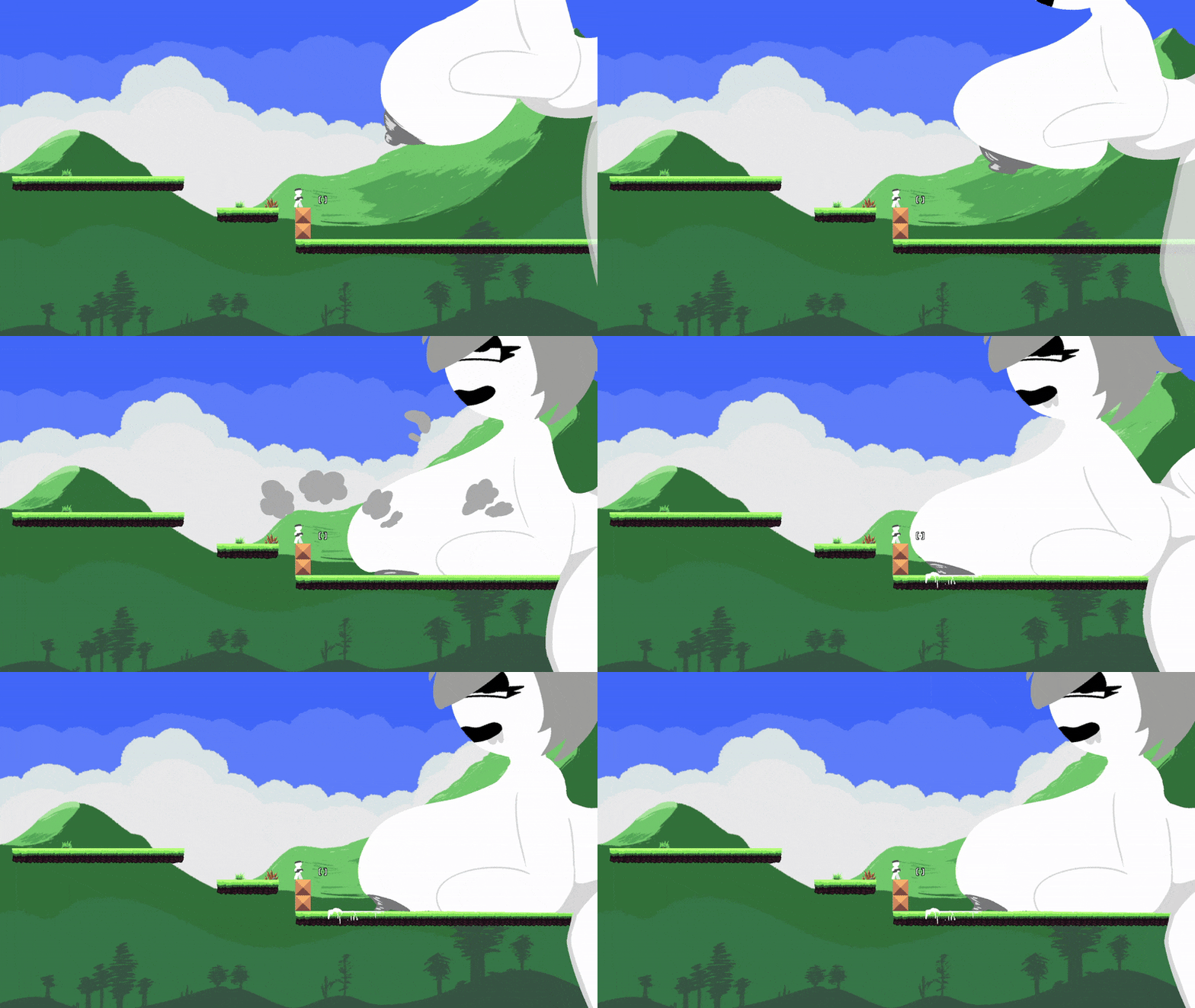
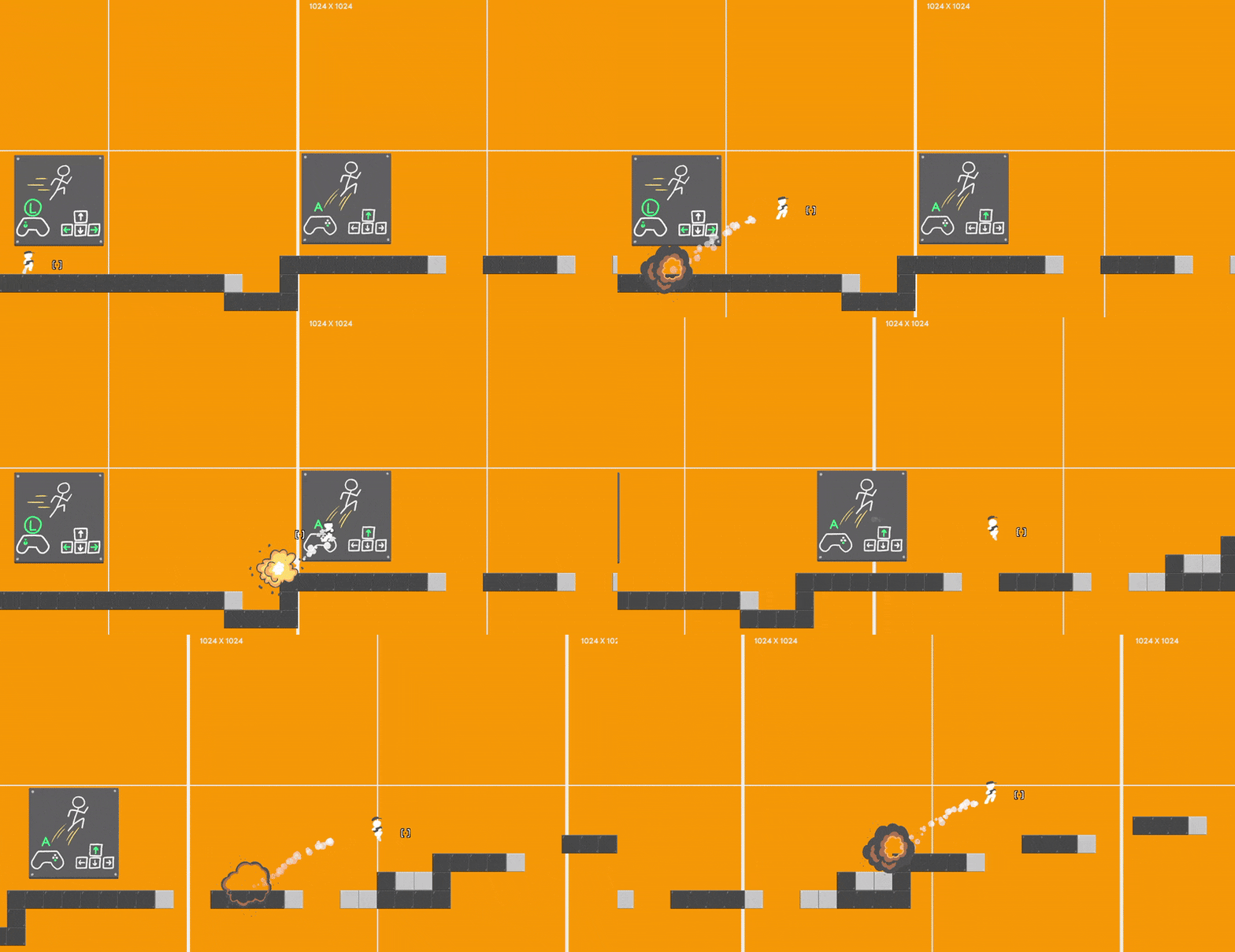
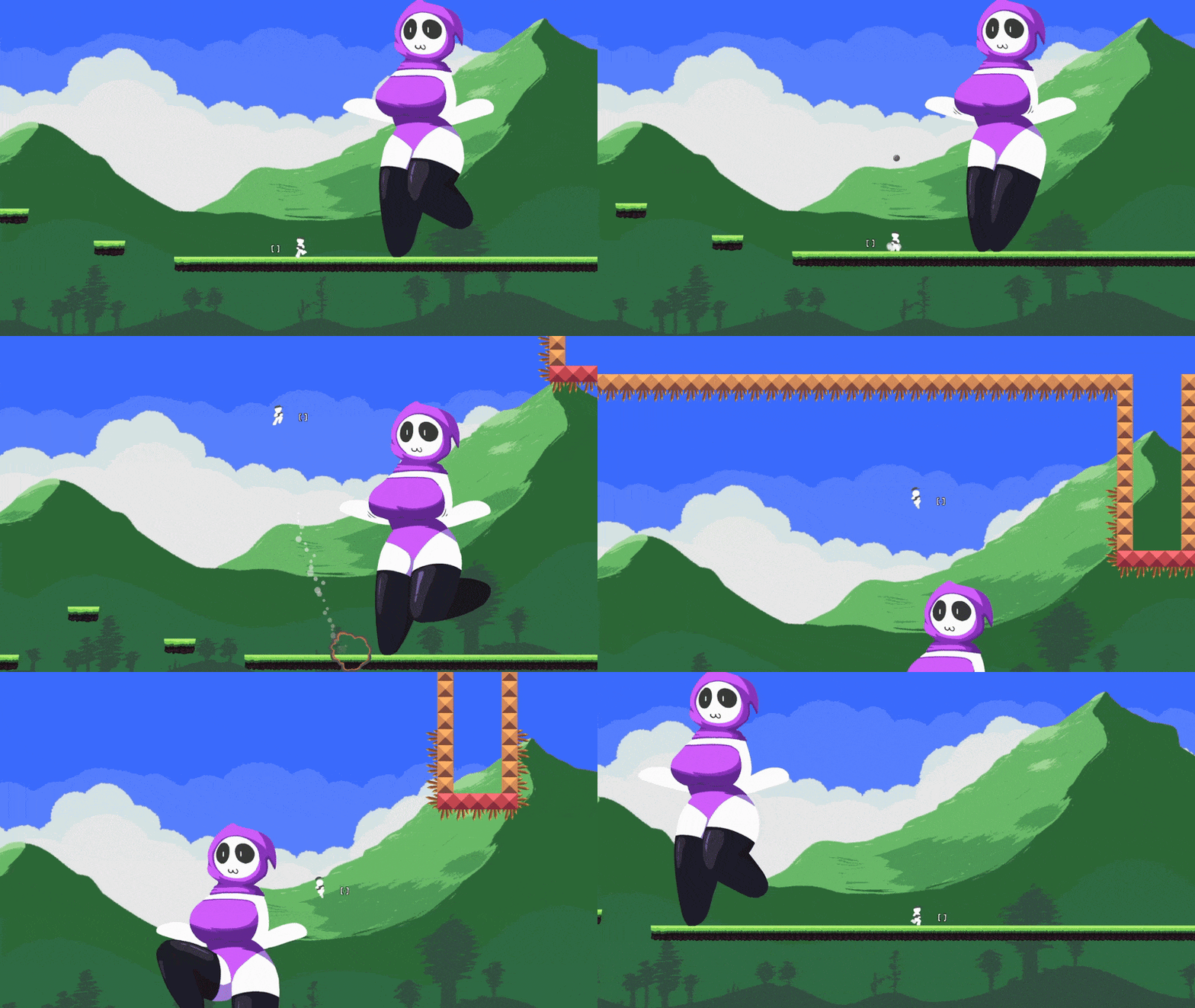
Screenshots
Loops from the public listing — same hand-drawn look as the in-browser build.
Where to next
New here?
Read the control scheme and official movement tips before you jump in.
Controls & tips →Ready to play?
Use the player at the top of this page or open the WebGL build in a new tab from there.
Jump to player →Been here before?
Patch summaries, speedrun notes, and FAQ updates in one place.
News & patches →About
The game
A lewd 2D platformer with rocket jump, a giantess, and a giant cat. Tags listed for the game include NSFW, hand-drawn, and giant / giantess themes; “no generative AI was used” appears on the public listing.
Content is drawn from the public game description and developer devlogs — organized so you can skim the overview first, then open guides, news, or FAQ when you need depth.
Official tips
- You need to shoot closer to a wall or ground to fly farther.
- Press the jump key before rocket-jumping to jump higher.
Highlights
Rocket jump
Shoot walls or ground for knockback; combine with jump for more height — see Tips on /guides.
Hand-drawn platformer
2D Unity game with English UI; keyboard and Xbox-style controller support (per the public listing).
Speedrun support
Timer hide: Tab / B. Web build has timer limits tied to save support — see /speedrun.
Play anywhere
Browser HTML5 plus Windows and Android builds — see Downloads for links to the current files.
Controls (quick reference)
Abbreviated from the published control table. Mobile controls are described as “experimental” on the official listing.
| Input | Action |
|---|---|
← → / stick | Move |
↑ / stick up | Jump |
WASD / right stick | Shoot (rocket jump) |
R / Select | Reset stage |
E / X | Interact |
Esc / Start | Pause & options |
I / Y | Zoom (experimental) |
Tab / B | Hide speedrun timer |
Speedrun
- Tab (keyboard) / B (gamepad) — hide speedrun timer.
- v0.04 devlog: speedrun timer added for runners, but “Not working on web because it does not support save system”.
Common questions
- Web save / speedrun timer Devlog ties web timer limits to lack of save support on web — see FAQ & speedrun pages.
- Fullscreen in browser Developer: web build skips fullscreen for performance; PC build suggested for fullscreen (v0.05 devlog thread).
- Mobile Public listing: mobile controls are “experimental”; v0.05 notes some web features unsupported on mobile.
Site map & links
Hosted files and the original public listing: open listing.